How to choose construction bidding software
Start with which side of the invitation you’re on. The tools in this guide split into two groups that do different jobs and charge different people: GC software for sending invites, tracking who’s bidding and leveling the numbers, and lead services where subs and suppliers find projects they weren’t invited to. PlanHub and The Blue Book touch both sides, and the rest lean hard one way.
After that, four things separate them:
- Who pays. On PlanHub, GCs post for free and subs pay. BuildingConnected, Procore and Pantera charge the GC, by quote. BidMail charges the sender by file count and gives invited subs the plan room for free.
- What the price is tied to. Lead services charge by geography. PlanHub prices by service radius and ConstructConnect by market and seat. Procore prices on annual construction volume, so a bigger year costs more.
- What’s on the tier you buy. ConstructConnect’s Starter shows project details and contacts, but the plans, specs and addenda come with Professional. Check the documents before you compare prices.
- Contract terms. ConstructConnect runs on full-term subscriptions with no refund for cancelling mid-term. Autodesk offers a 30-day money-back guarantee on BuildingConnected.
If you’re a GC sending invites and leveling bids
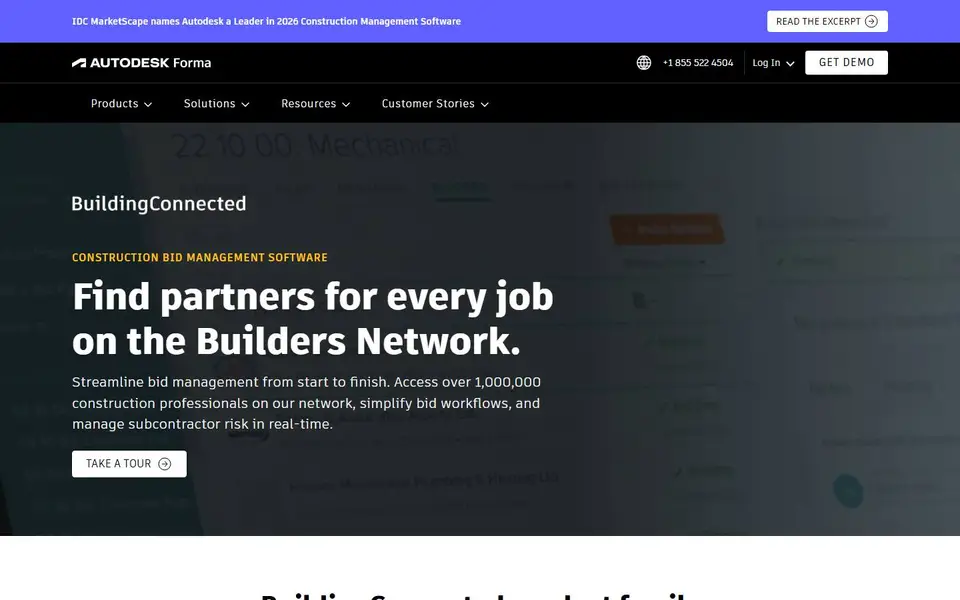
For a commercial GC without a platform yet, BuildingConnected is the one to price first. It covers invites, leveling, past bid data and a large network of subs to invite, and TradeTapp adds prequalification if your risk team wants financials reviewed before award.
Your other options depend on what you already run:
- Already on Procore: add Procore Bid Management so bids sit beside the rest of the project, and ask how it changes your annual construction volume quote.
- A small GC, or a few bids a month: BidMail publishes its prices and has a free tier, and its open and download tracking shows which subs are pricing your job, though you bring your own bidder list. PlanHub’s GC account is free too, and puts your project in front of the subs paying to search it.
- An owner, or a GC that prequalifies its subs: Pantera bundles prequal, ITBs and project management, and syncs with QuickBooks and Sage.
- Bidding in a new area: The Blue Book directory is a way to find local trades to invite. If you’re crossing a state line, check the licensing rules on Trades Primer first.
If you’re a sub looking for projects to bid
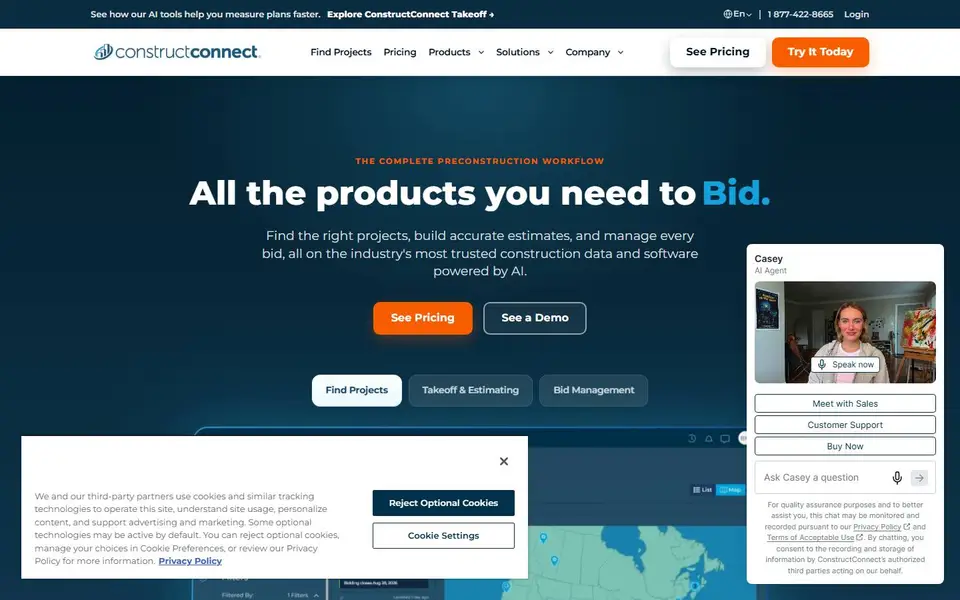
Pay for one lead service sized to the area you work, and add a second only once you know what the first one misses. For most commercial subs that first service is PlanHub or ConstructConnect.
PlanHub charges a yearly fee by service radius, so a sub covering a wide area with one or two estimators knows the cost up front. ConstructConnect charges per market and per seat. Starter can be billed monthly, which makes it easy to test one market, though you’ll want Professional for the full plan sets. ConstructConnect also sells takeoff, which is worth weighing if you’re buying that anyway; our takeoff software guide covers the options.
Dodge suits a different job: finding projects at the planning stage and feeding them into a CRM so someone can work the relationship before the bid goes out. A free Blue Book listing costs nothing and puts you where GCs search for your trade. If GCs invite you through BuildingConnected, Autodesk’s Bid Board Pro tracks those invites in one place.
If you’re bidding public work, look up the prevailing wage determination before you price labor. Prevailing Wage Hub lists rates by state, county and trade.
Where the AI is, and which plan it’s on
The AI in bid software finds projects, sorts bidders and reads documents, and none of these tools uses it to price the work. On the GC side, BuildingConnected has the most: bidder suggestions, Bid Forwarding (part of Bid Board Pro) and financial-statement extraction (part of TradeTapp). PlanHub’s AI ranks the project feed, answers questions from bid documents with a link back to the page, and shows GCs where trade coverage is thin. The PlanHub pricing pages read don’t tie those features to a plan.
At ConstructConnect, the Ask Docs LLM search is listed on Project Intelligence Professional, and Auto Takeoff on Takeoff Professional. Procore’s AI is in takeoff, and its estimating page doesn’t say whether that costs extra. Dodge’s AI Search Assist is due in late 2026, free for Dodge One subscribers. BidMail, Pantera and The Blue Book show no AI on their pages. For sending invites and tracking who opened them, that’s less of a gap than it would be in takeoff.
 BuildingConnected