Skip to content
Construction AI Tools

The best construction takeoff software

Construction takeoff software compared on seat price, what the AI measures and which plan it's on: PlanSwift, Kreo, Togal, STACK, Bluebeam and four more.

UpdatedNov 21, 2026
Prices readNov 21, 2026
Tools compared9
Published prices8 of 9

Which one should you buy?

For a trade estimator who wants takeoff and pricing in one tool, PlanSwift Core at $3,000 a seat a year includes Auto Takeoff, and the 14-day trial needs no credit card. Kreo Pro is the lowest published price for AI takeoff, $175 per user a month billed yearly, for teams of up to four. Togal at $299 per user a month suits estimators who want the whole first pass measured for them. Offices still on Bluebeam Revu 20 should budget for a current plan before it reaches end of life on December 31, 2026.

What a takeoff desk costs for a year

One sheet per estimator seat, on each tool's cheapest plan with AI takeoff, at list price for a year.

Like-for-like planShown for reference

Bluebeam Max (AI drawing review, no automated takeoff) and Square Takeoff (no AI) are greyed for reference, and STACK is left out because its pricing page lists $299 per user a month without saying whether that bills monthly or yearly. List prices read Nov 21, 2026.12345

The picks

01

PlanSwift

Trade estimators who want takeoff and pricing in one tool

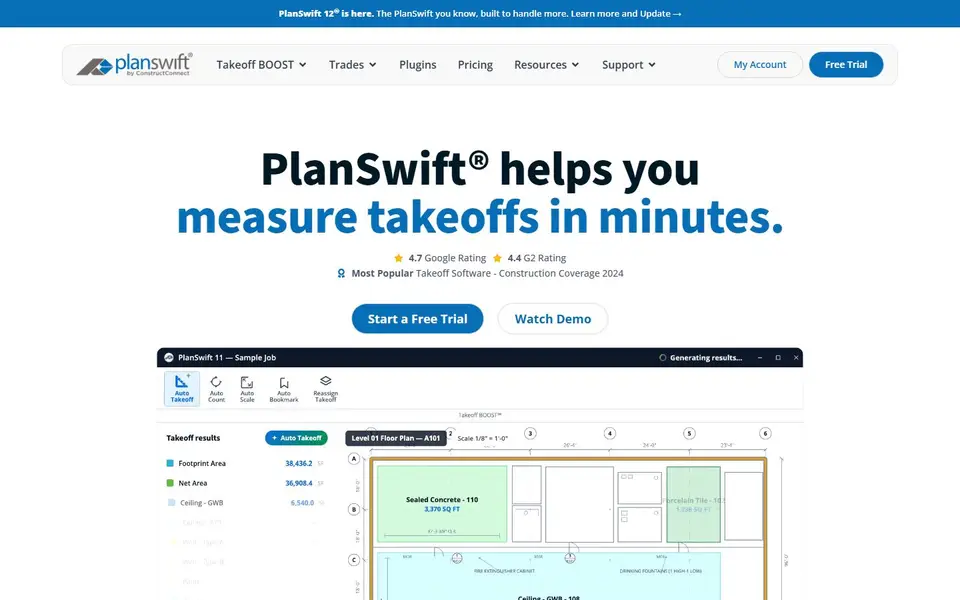
PlanSwift pairs on-screen takeoff with estimating, using pre-built assemblies for each trade, and it reads PDF, JPG, TIFF and CAD plans. Its AI tools come from ConstructConnect's Takeoff BOOST suite and are split across two plans. Essential, at $2,000 a seat a year, gets Auto Count, Auto Scale and Auto Bookmark. Core, at $3,000, adds Auto Takeoff, which builds a first pass of areas, lengths and counts that you then check and adjust.

Extra seats are sold at a discount PlanSwift doesn't publish, and volume pricing starts at 10 licenses. Finished bids go out to Excel or to your estimating system. Current customers get Auto Takeoff by upgrading their plan. The 14-day trial covers all of Core, AI included, with no credit card, which gives you time to put a live bid through it before paying.

Good
  • Auto Takeoff, Auto Count and Auto Scale on Core
  • Trade assemblies tie quantities to pricing
  • 14-day full trial with no credit card
Watch for
  • Full Auto Takeoff only on the $3,000 Core plan
  • Extra-seat discount isn't published
PlanSwift website
02

Kreo

Small estimating teams that want AI takeoff at the lowest list price

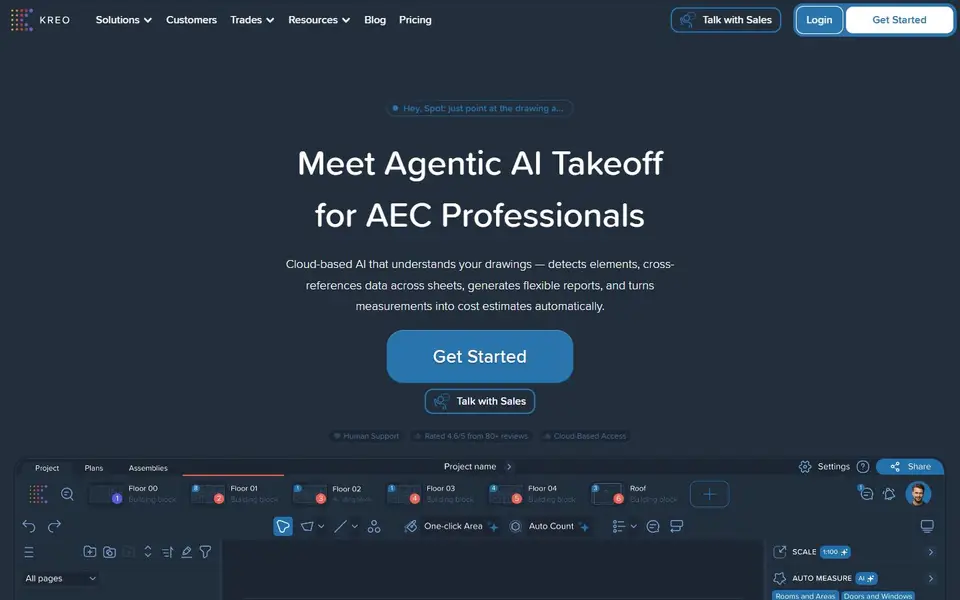
Kreo is cloud takeoff and estimating. On Pro, the AI picks out rooms, walls, doors and windows and can run that across a batch of sheets; it also counts symbols, detects scale, names drawings and comes with an assistant called Caddie. It reads PDF, CAD and image files, imports and exports Excel, and exports IFC if your work touches BIM.

Watch the plan lines. Essential, at $100 per user a month, is the same software with no AI, so Pro at $175 is where AI takeoff starts. Pro covers up to 4 users, and Business starts at 5 seats, which comes to $15,000 a year. All plans bill once a year, guests are free, and API add-ons on Pro cost extra. The AI list leans toward rooms and openings, so a mechanical or electrical estimator should see how far symbol counting gets them during the 7-day trial.

Good
  • Lowest published plan with AI takeoff
  • Batch AI takeoff across sheets
  • Free guests, plus Excel, API and IFC export
Watch for
  • Essential plan has no AI at all
  • Yearly billing only, and Business needs 5 seats
Kreo website
03

Togal.AI

Estimators who want the whole first pass measured for them

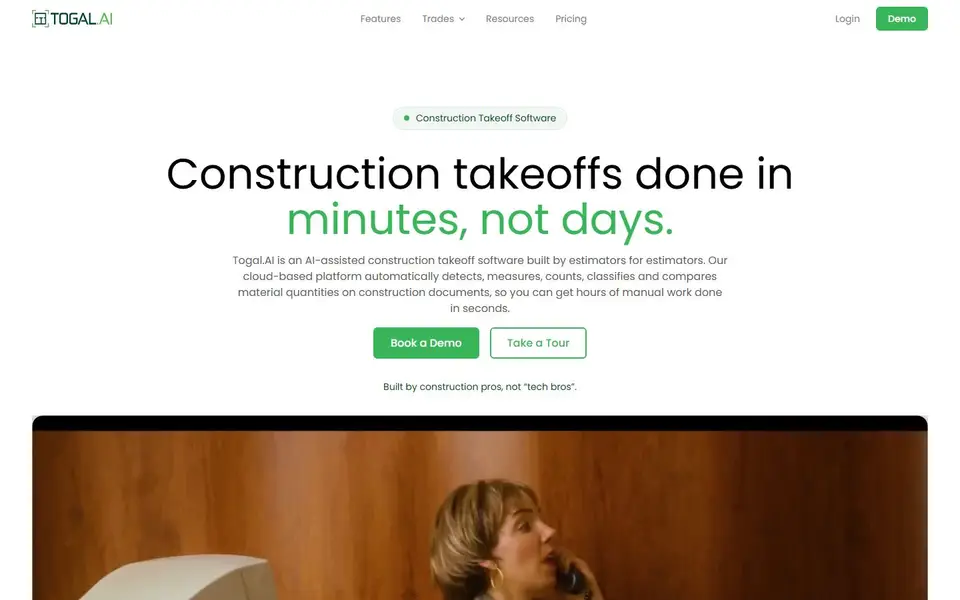
Togal was built around automated takeoff. It detects and measures areas, lengths and counts straight from the drawings, compares drawing sets and quantifies what changed, and lets you ask questions about a plan set in Togal.CHAT. Growth includes unlimited automated takeoffs, chat prompts and image or symbol searches. People outside your company can work in a takeoff without a Togal license, and because it runs in the cloud, several estimators can work the same takeoff at once.

At $299 per user a month, billed yearly, it has the highest per-seat price in the chart below, and teams of 4 or more get a custom Business quote. There's no free trial on the pricing page; sign-up starts with a demo. Togal publishes accuracy and speed figures without saying how it measured them, and its pages name no integrations with estimating, accounting or PM software.

Good
  • Measures the whole first pass from the drawings
  • Drawing comparison that quantifies changes
  • Unlimited outside collaborators with no license
Watch for
  • Highest per-seat price in the chart
  • No free trial; sign-up starts with a demo
  • No named integrations on its pages
Togal.AI website
04

STACK

GC and sub teams that want cloud takeoff tied to Procore

STACK covers takeoff, estimating and proposals in the browser, with apps for iOS, Android and Windows. Its AI works alongside you while you measure: it reads each sheet, names pages, flags revisions, counts symbols and suggests scope you might have missed. Plan Overlay shows what changed between versions. STACK IQ, included with the subscription, connects Claude or ChatGPT to your STACK account so you can set up takeoffs or pull estimate data by asking in plain language. Drawings sync in from Procore, and estimates connect to QuickBooks Online, Sage Intacct and Excel.

Pricing is the weak spot. Takeoff & Estimate is listed at "as low as" $299 per user a month, and the page says neither whether that bills monthly or yearly nor which plans include AI Takeoff. The free version is a short test: two projects at a time for seven days, with 10 takeoffs per project.

Good
  • Procore, QuickBooks Online and Sage Intacct connections
  • STACK IQ chat included in the subscription
  • Free version to try on real projects
Watch for
  • Billing term for the $299 price isn't stated
  • Pricing page doesn't say which plans include AI
05

Bluebeam Revu

Offices that already mark up and measure drawings in Revu

Bluebeam Revu is PDF markup, measurement and document collaboration, and its measuring tools are enough for a manual takeoff on the right plan. Basics at $260 a user a year measures length and area only. Core at $330 adds perimeters, counts, angles, volume and drawing overlay, and Complete at $440 adds Dynamic Fill, batch automation and Quantity Link to Excel. The AI is on Max: drawing review and comparison, multi-view stitching and an MCP connection for outside AI tools. None of the Max features on the pricing page builds a takeoff for you.

Two dates matter if your office still runs Revu 20: end of support on July 31, 2026, and end of life on December 31, 2026. Max is at an introductory $590 per user a year, and anyone who buys at that price keeps it through their 2027 renewal. Revu itself runs on Windows.

Good
  • Manual measuring from $260 a user a year
  • Quantity Link sends quantities to Excel
  • Plans can be mixed across one team
Watch for
  • No automated takeoff on any plan
  • Revu 20 reaches end of life December 31, 2026
  • Revu itself runs on Windows
06

On-Screen Takeoff

Estimators already using ConstructConnect or Quick Bid

On-Screen Takeoff is ConstructConnect's desktop tool for measuring lengths, areas and counts on digital plans. It now carries Takeoff BOOST, the same AI suite that sits in PlanSwift: automated measuring of areas, lengths and counts, Smart Detection that identifies wall types and creates the conditions for them, and Auto Name for plan pages. ConstructConnect describes the AI output as initial takeoff data for you to review and fine-tune. It connects to Quick Bid and other estimating tools.

The product page offers a free trial, without saying how long it runs, and a demo, but no price. It also doesn't itemize which Takeoff BOOST features On-Screen Takeoff gets compared with PlanSwift, so ask for that list in the demo if you're choosing between the two.

Good
  • Takeoff BOOST AI built in
  • Smart Detection sets up wall-type conditions
  • Connects to Quick Bid
Watch for
  • No price on the product page
  • Trial length not stated
07

Beam AI

Trade contractors who would rather have the takeoff done for them

Attentive.ai sells its takeoff product as Beam AI, and it works two ways. With Done For You, you upload plans and specs, AI pulls the quantities, and each takeoff is QA-checked before it comes back, which the company puts at 24-72 hours. Do It Yourself is self-serve AI takeoff for HVAC, plumbing and steel. A separate aerial service measures lawns, pavements, sidewalks and parking lots from imagery for landscaping, snow, paving and striping contractors.

Beam AI sells annual licenses priced by trade and volume, and the pricing page lists no per-seat charge. Do It Yourself starts at $8K per trade a year, Done For You on construction plans starts at $25K a year with up to 2 takeoffs processed at once, and aerial starts at $10K per trade. Those are starting figures that move with trade and volume, and a sub bidding two trades should expect a license for each.

Good
  • Takeoffs QA-checked before delivery
  • Self-serve AI for HVAC, plumbing and steel
  • Aerial takeoffs for site and paving work
Watch for
  • Starts at $8K per trade per year
  • Listed prices are minimums that rise with volume
08

Square Takeoff

Small shops that want plain manual takeoff with no contract

Square Takeoff is online takeoff and estimating with the same features on every plan. You drag in a PDF or image, measure, compare blueprint versions with an overlay and export to Excel. It works on a phone, a Mac or a PC, which helps if your estimator isn't on Windows.

Its pages describe no AI takeoff, so you do all the measuring. In return the pricing is simple and easy to walk away from: $249 a month with no contract, $599 a quarter, or $1,699 a year for one license, with a 14-day free trial first. Pricing for more than one license is handled by phone.

Good
  • Same features on every plan
  • Month-to-month option with no contract
  • Works on Mac, PC and phone
Watch for
  • No AI takeoff
  • Multi-license pricing only by phone
09

Forma Takeoff

GCs already bidding through Autodesk Forma or BuildingConnected

Autodesk's pricing page now calls the product Forma Takeoff, though the old Autodesk Takeoff name is still in the web address. It does 2D and 3D takeoff in a browser (Chrome, Firefox or Safari) with document management built in. You can buy it per user, monthly or yearly, get unlimited users by quote, or take it as part of the Forma preconstruction bundle with Forma Estimate, BuildingConnected Pro, BidBoard Pro, ProEst and TradeTapp. Autodesk offers a 30-day money-back guarantee.

The per-user price on the pricing page is loaded by a script and isn't in the page text, so it isn't listed here, and the Autodesk pages that could be read describe no AI takeoff. Ask about both in a demo. The bundle is the main reason to look if your estimating department already sends bid invites through BuildingConnected.

Good
  • 2D and 3D takeoff in the browser
  • Bundled with BuildingConnected Pro and ProEst
  • 30-day money-back guarantee
Watch for
  • No per-user price in readable page text
  • No AI takeoff described on readable pages

Side by side

ToolPlan shownList priceAITrial or free planReadsConnects to
PlanSwiftCore$3,000 per seat / year, billed yearly4AI does the jobFree plan; 14-day free trial of the full core plan, including ai tools, no credit cardPDF, JPG, TIFF and CAD plans.Sends bids to Excel or your estimating system.
KreoPro$175 per user / month, billed yearly3AI does the job7-day free trial; paid pilots credited…PDF, CAD and image files.Excel import and export, API access, and IFC export for BIM.
Togal.AIGrowth$299 per user / month, billed yearly5AI does the jobNot statedPDF, image and CAD drawing files.Not stated
STACKTakeoff & Estimate$299 per user / month, not stated6AI assistsFree plan; two-week free trial of build & operatePDF and CAD filesProcore, QuickBooks, Sage Intacct, Excel and Autodesk Vault
Bluebeam RevuMax$590 per user / year, billed yearly1AI assistsFree trial offered (length not stated…PDF and CAD.Microsoft Excel through Quantity Link; Revit through Connected Studio Sessions.
On-Screen TakeoffQuote onlyNot publishedAI assistsFree trial offered (length not stated)Not statedConnects with Quick Bid and other estimating tools.
Beam AIDo It Yourself - Construction plans$8,000 per annual license per trade, billed yearly7AI does the jobNot statedNot statedNot stated
Square TakeoffAnnual$1,699 per license / year, billed yearly2No AI14-day free trialPDF and image files, added by drag and drop with no setup.Exports takeoffs directly to Excel.
Forma TakeoffForma Takeoff$108 per month, not stated8AI assistsFree planNot statedNot stated

How to choose construction takeoff software

The biggest difference is whether the AI measures the drawings or only helps you measure them. Togal, Kreo on its Pro plan, PlanSwift on Core and Beam AI build a first pass of quantities themselves. STACK counts symbols, names sheets and flags revisions while you do the measuring, and Bluebeam’s AI reviews and compares drawings without building a takeoff at all. On-Screen Takeoff and PlanSwift share ConstructConnect’s Takeoff BOOST suite, so the AI in the two is closely related.

The second thing to check is which plan the AI sits on, because the entry price often doesn’t include it. Kreo’s Essential plan has no AI, PlanSwift saves full Auto Takeoff for Core, Bluebeam keeps its AI on Max, and STACK’s pricing page doesn’t say which plans get AI Takeoff.

Then look at how each vendor counts seats. Most price per user per year, and the list price stops applying once a team grows. Kreo Pro covers up to 4 users and Business starts at 5 seats for $15,000 a year, Togal quotes teams of 4 or more, and PlanSwift offers volume pricing from 10 licenses. Beam AI prices by trade, so a sub on the Do It Yourself plan pays for one license per trade, whatever the headcount. Square Takeoff sells one license at a time and quotes the rest by phone.

Togal, STACK, PlanSwift, Kreo, Bluebeam and Square Takeoff all read PDF plans, and most of them also take CAD files or images. The bigger split is the computer you run it on: Revu runs on Windows, while Togal, Kreo, STACK, Square Takeoff and Autodesk Takeoff run in a browser.

Which takeoff tool fits your team?

A one- to three-person trade sub that also needs to price the job should start with PlanSwift Core, since takeoff and trade assemblies live in the same file. If the plans are mostly rooms, walls, doors and windows and the budget is tighter, Kreo Pro does AI takeoff for $2,100 a seat a year. A shop that measures by hand and wants to stay month to month can run Square Takeoff without a contract.

HVAC, plumbing, steel, electrical and concrete subs with more bids than estimators are who Beam AI is built for, because the Done For You plan hands back QA-checked quantities for your estimator to price. Landscaping and paving contractors can use its aerial takeoffs for site work. If you need help with the pricing side as well, the construction estimating software and electrical estimating software guides cover it.

For a GC estimating department, the question is where the quantities go next. STACK syncs drawings from Procore and connects to QuickBooks Online and Sage Intacct, Togal lets outside collaborators into a takeoff without a license, and Autodesk Takeoff makes the most sense for teams already sending bid invites through BuildingConnected, which is covered in the construction bidding software guide.

An office that already measures in Bluebeam doesn’t have to leave it. Revu Core or Complete covers counts, volume and Excel links by hand, and an AI takeoff tool can sit alongside it for the first pass. Plan the move off Revu 20 before its end of life on December 31, 2026.

How far to trust an AI takeoff on a bid

Use an AI takeoff as a first pass that an estimator checks before any number goes into a bid. The vendors say as much themselves. ConstructConnect describes Takeoff BOOST output as initial data for review and fine-tuning, Beam AI QA-checks each Done For You takeoff before delivery, and STACK pitches its AI as suggesting scope you might have missed. Togal publishes accuracy and speed figures on its home page, but without a test method, so treat them as its own claims.

The practical test is a job you’ve already bid. Run that plan set through a trial and compare the AI quantities against your own. PlanSwift’s 14-day trial includes Auto Takeoff, Kreo gives 7 days free, and STACK’s free version allows 10 takeoffs per project. Togal starts with a demo, so ask to see it run on your own drawings.

Questions buyers ask

Is there free construction takeoff software?

STACK has a free version of Takeoff & Estimate, limited to two projects at a time for seven days and 10 takeoffs per project. Otherwise you get trials: PlanSwift gives 14 days of the full Core plan with no credit card, Square Takeoff gives 14 days, and Kreo gives 7. Bluebeam and On-Screen Takeoff offer free trials without saying how long they last.

Can AI do takeoffs from blueprints?

Yes, as a first pass. Togal, Kreo Pro and PlanSwift Core measure areas, lengths and counts off PDF plans, and Beam AI QA-checks its Done For You quantities before sending them back. The vendors frame the output as something an estimator reviews: ConstructConnect calls it initial takeoff data for review and fine-tuning, and STACK's AI suggests scope you might have missed while you do the measuring.

How much does construction takeoff software cost?

Published prices for one seat for a year run from $260 for Bluebeam Basics, which measures length and area only, to $3,588 for Togal Growth. In between are Square Takeoff at $1,699, Kreo Pro at $2,100 and PlanSwift Core at $3,000. Beam AI starts at $8K per trade a year, and On-Screen Takeoff and Autodesk Takeoff don't show a price you can read on their pages.

Does PlanSwift use AI?

Yes. PlanSwift Essential, at $2,000 a seat a year, includes Auto Count, Auto Scale and Auto Bookmark, and Core, at $3,000, adds Auto Takeoff for a first pass of areas, lengths and counts. Current customers add the AI tools by upgrading their plan.

How much does STACK takeoff cost?

STACK lists Takeoff & Estimate at as low as $299 per user a month and the Full STACK Platform at as low as $348, with the Build & Operate field product at $49. The pricing page doesn't say whether those prices bill monthly or yearly, or which plans include AI Takeoff.

Which takeoff software works on a Mac?

Bluebeam Revu runs on Windows, so Mac users need a browser-based tool. Square Takeoff works on Mac or PC, Autodesk Takeoff runs in Chrome, Firefox or Safari, and Togal, Kreo and STACK are cloud tools that run in a browser.

Sources

Each number in the text links here. We read every page on the date shown next to the figure.

  1. bluebeam.com/pricing
  2. squaretakeoff.com/pricing
  3. kreo.net/pricing
  4. planswift.com/pricing
  5. togal.ai/pricing
  6. stackct.com/pricing
  7. attentive.ai/pricing
  8. autodesk.com/products/forma-takeoff/overview