Skip to content
Construction AI Tools

The best construction safety software

Construction safety software compared: inspection and orientation apps, AI that watches site cameras, and wearables, with prices where vendors publish them.

UpdatedNov 21, 2026
Prices readNov 21, 2026
Tools compared10
Published prices2 of 10

Which one should you buy?

For a GC that wants every crew on one orientation, permit and inspection system, HammerTech is the default, because subcontractors don't need their own license. A small contractor can start on Mitti (formerly SafetyCulture), which is free for up to 10 people and $24 a seat a month on annual Premium, or get a quote from Safety Reports if exporting OSHA logs is the priority. For AI on site cameras, viAct is the one built around construction sites, and Intenseye has the clearest answers on existing CCTV and face blurring.

The picks

01

HammerTech

GCs that want every sub through one orientation and permit system

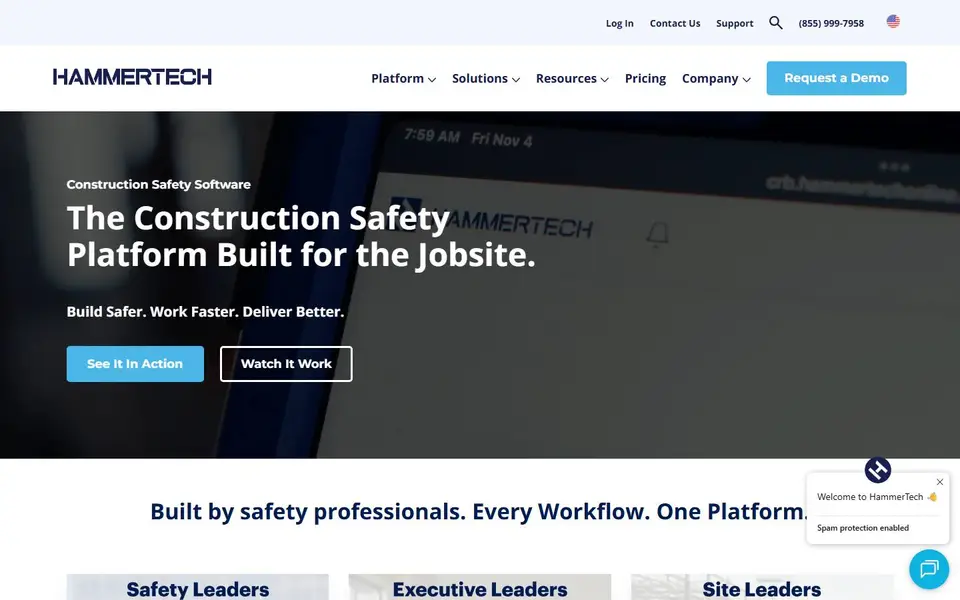
HammerTech covers the paperwork side of a jobsite: worker orientations and site access, JHAs, permits, inspections and incident reports, on a phone, tablet or desktop. The pricing page says it doesn't charge per user and that subcontractors don't need to buy a license, which is the whole game when you need every crew on a project through the same orientation. Implementation, onboarding, training and support are in the price, and it connects to Procore.

The AI, which HammerTech calls HammerTech Intelligence, works on observations your crews have already filed: it surfaces risks in them and automates safety reporting. It doesn't watch cameras. There's no published price at all, since the quote depends on the scale and complexity of your operations. The home and pricing pages also don't mention OSHA, so ask in the demo how an incident report ends up in your OSHA log.

Good
  • Subs don't need to buy a license
  • No per-user pricing
  • Onboarding, training and support included
  • Connects to Procore
Watch for
  • No published price
  • OSHA recordkeeping not mentioned on its pages
HammerTech website
02

Mitti

Small contractors who want phone inspections at a posted price

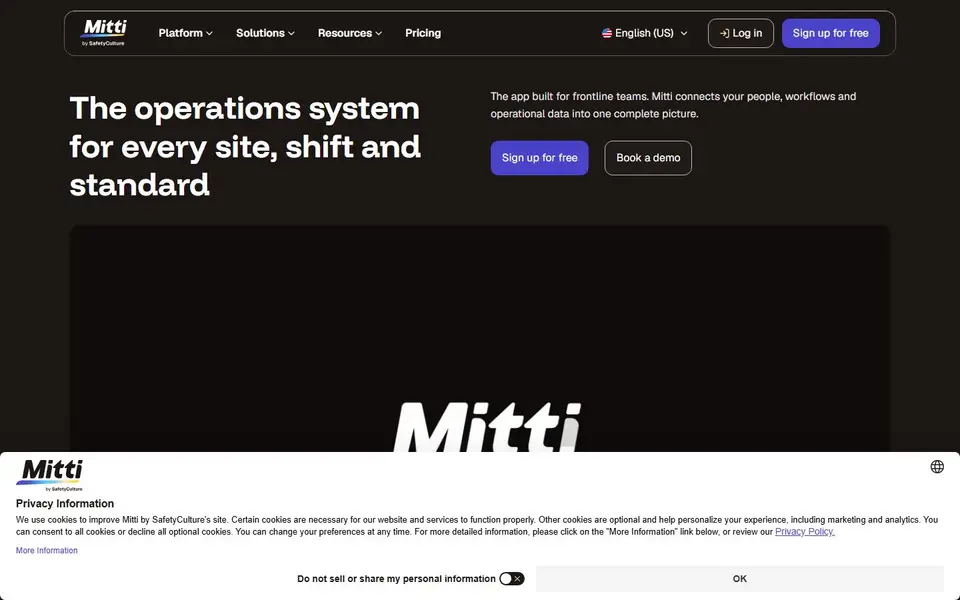
Mitti is SafetyCulture under a new name, and safetyculture.com now redirects to mitti.com. It's a phone app for inspections and checklists, issue reports, training and incidents. Mitti sells it to hospitality, manufacturing and retail as well as construction, so plan on building or adapting your own jobsite templates. The free plan is for small teams of up to 10 and allows 5 active inspection templates. Unlimited templates and integrations start on Premium, at $24 a seat a month billed annually or $29 month to month.

The AI turns a photo or voice note into a logged issue and answers questions about your records. Each seat gets a monthly allowance of AI credits, and agents are still in early access. There are no cameras or sensors involved. Companies with several sites can ask for a fixed price per location instead of paying per seat.

Good
  • Free plan for up to 10 people
  • Posted per-seat prices, monthly or annual
  • Photo or voice note becomes a logged issue
Watch for
  • Sold to many industries, not construction first
  • AI use is capped by monthly credits
Mitti website
03

Safety Reports

Subs that need OSHA logs and toolbox talks without a long contract

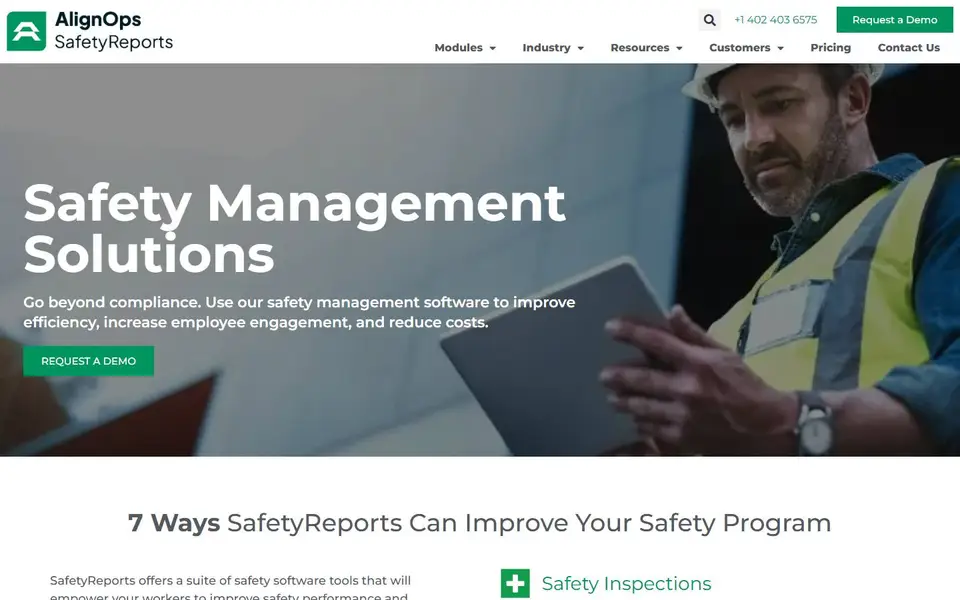
Safety Reports, a product of AlignOps, is a set of phone and tablet apps for inspections, training, JSAs, observations, incidents, asset scanning and forms. The apps can run offline, which helps on a site where the signal dies below grade. The Pro tier comes loaded with safety and compliance checklists and more than 600 toolbox talks, and it generates OSHA logs you can export. None of the other picks mention OSHA log export on the pages read.

There's no AI. The home page talks about finding trends in your safety data, but it doesn't name a feature that does it. Both tiers are quote only, and on Pro the API and the observation module cost extra. The home page says there are no startup fees or long-term contracts, and that web training and support are free to subscribers.

Good
  • Exports OSHA logs on the Pro tier
  • Works offline on phones and tablets
  • No startup fees or long-term contracts
Watch for
  • No AI features
  • No published price
  • API and observation module cost extra on Pro
Safety Reports website
04

Sitemate

Teams that want safety, quality and dailies on one set of forms

Sitemate's Dashpivot is a forms and records system that runs safety next to quality, field reports, time and materials and fleet. Its AI agent, Storm, builds templates and fills in records from voice notes, photos, weather and location, and a person reviews and approves what it drafted. Capture works offline on phones and tablets, and it connects to other systems through Flowsite, an open API, an MCP server, Microsoft and Xero.

Pricing is per user. Dashpivot Standard is listed at $25.20 per user a month for the 11-30 user tier, but the pricing page has term toggles running from monthly to five years and doesn't say which term that price assumes, so confirm it before you compare it with anything. Visitors are free and unlimited on Pro and above, which covers subs who only need to sign a form. Its pages don't mention OSHA.

Good
  • AI drafts forms from voice notes and photos
  • Free unlimited visitors on Pro and above
  • Works offline
Watch for
  • Contract term behind the listed price not stated
  • OSHA not mentioned on its pages
05

viAct

Construction sites that want PPE and danger-zone alerts from CCTV

viAct is the camera AI in this guide that is pitched at construction first. It watches site CCTV for missing or misused PPE and for people walking into danger zones, and sends alerts in real time. It also has a Digital Works Supervision System (DWSS) module. The customers quoted on its home page include Shui On Construction, MTR Corporation and ALEC Engineering and Contracting.

What's missing is most of what a buyer would ask first. The page doesn't say which camera brands it works with, what happens to faces in the footage, which security certifications it holds or what it integrates with, and there's no price. Ask for a pilot on your own camera feeds, on one site, before you sign anything longer.

Good
  • Built around construction sites
  • PPE and danger-zone detection
  • Named construction customers
Watch for
  • Camera compatibility and privacy handling not stated
  • No published price
06

Intenseye

Large sites with CCTV that need face blurring and SOC 2

Intenseye runs computer vision on the cameras you already have. It says its Sentinel Hub supports more than 200 brands of existing CCTV, and where there's no camera, its Sentinel devices add one with edge compute. On privacy it's the most specific vendor here: facial and body blurring, dynamic masking, timestamp anonymization, processing on the edge and no facial recognition. It lists SOC 2 Type II and GDPR.

The catch is fit. Construction isn't in the industry list on its home page, which leads with manufacturing, warehousing, building materials and logistics, and the page doesn't mention OSHA. It's quote only with no stated trial. That makes it a better match for a large GC or an owner with a safety team that can run a proper pilot than for a sub.

Good
  • Runs on existing CCTV, 200+ brands per Intenseye
  • Face and body blurring, no facial recognition
  • SOC 2 Type II
Watch for
  • Construction not in its industry list
  • Quote only, no stated trial
07

Protex AI

Yards and shops with forklift and pedestrian traffic on CCTV

Protex AI connects to existing CCTV over RTSP, the video stream most IP cameras can put out. It watches for spills, blocked walkways, clutter and misplaced materials, and tracks forklifts, AGVs, HGVs and the people moving around them. Detection, blurring and encryption happen on edge devices at the site, and you choose how much of a person shows: face blurred with the body visible, full body, silhouette, or no video at all. Protex says the system is not for evaluating, scoring or disciplining individual workers.

Its pages don't mention construction. The customers shown are industrial and logistics firms, and the integrations are WMS, MES, TMS, EHS and CMMS systems. That points to a precast plant, a material yard or an equipment shop more than an active building site. It holds ISO/IEC 27001:2022 and is quote only.

Good
  • Works on existing CCTV over RTSP
  • Four privacy modes, processed on site
  • Says it won't score individual workers
Watch for
  • No construction use shown
  • No published price
08

Everguard.ai

Crane and heavy-equipment work where alerts need to stop machines

Everguard.ai uses computer vision and sensor data to catch the events that come before an incident, then alerts workers, supervisors or the equipment itself. It names three detections: missing PPE, crane-related risks (CraneSafe), and virtual geofences that can trigger an alert or shut equipment down when a worker gets too close. Everguard tailors each deployment to the site's layout, equipment and existing safety protocols.

The case studies on its home page are steel, recycling and trucking, and construction use isn't stated. Its pages also don't say whether it runs on cameras you already have or how it handles faces and privacy, and there's no price. It's a heavy-industry system that might suit a crane-heavy job, but get those answers in writing first.

Good
  • Geofences can shut down equipment
  • Crane-specific risk detection
Watch for
  • Construction use not stated
  • Existing cameras and privacy not addressed
  • No published price
09

Triax Spot-r

GCs that want fall alerts and worker location without cameras

Spot-r is a wearable issued to workers as part of their PPE. The tags send location and automatic fall-detection data to a cloud dashboard, so the site team can see where people are and get an alert when someone falls. It doesn't need cameras, which avoids the questions that come with video, though tracking where workers go raises its own, especially on union jobs.

Triax was bought by Invixium, reported in July 2024, and triaxtec.com now shows Invixium's connected-worker platform. Invixium's product pages don't mention AI; that claim comes from trade-press coverage of the deal, which describes AI-based real-time location systems. Nothing on OSHA or privacy turned up on the pages read, and pricing is by demo request. Ask Invixium how long it plans to support the Spot-r hardware.

Good
  • Automatic fall detection
  • No cameras needed
  • Worker location on one dashboard
Watch for
  • Now an Invixium product, so check the roadmap
  • AI claim appears only in trade press
  • No published price
10

Kenzen

Hot-weather crews where heat stress is the main risk

Kenzen makes wearables that monitor heat stress, fatigue and readiness in real time, and it sells them inside a health-and-safety services program. It describes itself as an occupational health and safety professional services company more than a software vendor. Kenzen says heat illness is the leading cause of preventable incidents in construction and agriculture.

Its pages don't describe the device, which sensors it uses or what it connects to, and there's no price, only a contact form. Expect to buy a program with people attached to it, more than an app your safety manager runs alone. For crews pouring concrete through a Texas or Arizona summer that may be worth it. For most other safety needs, a forms app does more for the money.

Good
  • Heat stress and fatigue monitoring
  • Names construction as a core market
Watch for
  • Device and sensors not described
  • Sold as a services program with no price

Side by side

ToolPlan shownList priceAITrial or free planUses existing camerasPrivacy controls
HammerTechQuote onlyNot publishedAI assistsNot statedNot statedNot stated
MittiPremium (annual)$24 per seat / month, billed yearly1AI assistsFree planNo, issues come from photos or voice notes taken by staffNot stated
Safety ReportsQuote onlyNot publishedNo AINot statedNot statedNot stated
SitemateDashpivot Standard$25.20 per user / month2AI assistsFree trial offeredNot statedNot stated
viActQuote onlyNot publishedAI does the jobNot statedWorks with site CCTV camerasNot stated
IntenseyeQuote onlyNot publishedAI does the jobNot statedYes, runs on the cameras you already haveFace and body blurring, dynamic masking, timestamp anonymization, edge processing, no facial recognition
Protex AIQuote onlyNot publishedAI does the jobNot statedYes, connects to existing CCTV via RTSPBlurring and encryption on edge devices; facial, full-body, silhouette or videoless modes
Everguard.aiQuote onlyNot publishedAI does the jobNot statedNot statedNot stated
Triax Spot-rQuote onlyNot publishedNo AINot statedNot statedNot stated
KenzenQuote onlyNot publishedAI not statedNot statedNot statedNot stated

How to choose construction safety software

Start with the job you’re buying for, because these products split three ways. Inspection and forms apps (HammerTech, Safety Reports, Sitemate and Mitti) handle the paperwork: orientations, JHAs, permits, inspections and incident reports. Camera AI (viAct, Intenseye, Protex AI and Everguard) watches video for hazards and sends alerts. Wearables (Triax Spot-r and Kenzen) sit on the worker and report falls, location or heat stress. Most contractors need the first kind before they need either of the others, and the camera and wearable systems work best when there’s a forms app underneath to log what they catch.

After that, the things that separate one tool from another are mostly practical:

  • Cost for subs. On a GC’s job the software only works if every crew is on it. HammerTech says subcontractors don’t need a license, and Sitemate gives visitors free access on Pro and up.
  • Offline use. Safety Reports and Sitemate say their apps work without signal. HammerTech calls itself mobile-first but doesn’t say.
  • OSHA recordkeeping. Safety Reports is the only pick whose pages say it exports OSHA logs. For the rest, ask to watch an incident report turn into a log entry during the demo.
  • Your existing cameras. Intenseye and Protex AI say they run on CCTV you already own. viAct pitches CCTV monitoring without naming brands, and Everguard doesn’t say either way.
  • Privacy. Only Intenseye and Protex AI spell out face blurring and on-site processing.

Where the AI is, and how much it does

In the forms apps the AI is an assistant, in the camera systems it does the core job, and in the wearables there’s little of it on the record. Sitemate’s Storm drafts a record from a voice note and photos for someone to approve, Mitti turns a photo into a logged issue, and HammerTech Intelligence looks through observations your crews already filed. Safety Reports has no AI at all, and for a lot of subs that’s fine.

For the camera systems, spotting the hazard is the whole job, and that’s where the hard questions are: false alarms, camera placement, who sees the footage and how long it’s kept. Three of the four camera vendors here (Intenseye, Protex AI and Everguard) show factories, warehouses, steel and logistics on their home pages, and only viAct leads with construction. A jobsite changes every week in a way a warehouse floor doesn’t, so ask any of them for a pilot on one of your sites, with your safety manager reviewing every alert.

The wearables are mostly sensors. Triax’s AI claim comes from trade press about its sale to Invixium, and Kenzen describes its approach as wearables plus predictive data without saying more.

Which tool fits your team?

  • A specialty sub with a handful of foremen. Start on Mitti’s free plan, or ask Safety Reports for a quote if you want OSHA logs and toolbox talks ready on day one. Camera AI is more than a company this size needs.
  • A mid-size GC with a safety director. HammerTech, because subs don’t pay and orientation, site access and permits live in one system. It connects to Procore if that’s your project platform; for the platform itself, see the construction management software guide. Sitemate is the pick if you’d rather run quality and dailies on the same forms as safety.
  • A large GC or owner with cameras at every gate and crane. Pilot viAct or Intenseye next to your forms app. viAct is built around construction sites; Intenseye has the clearer answers on privacy and on which cameras it supports. If you already use site cameras for progress, the progress tracking guide covers that side.
  • Crane-heavy or equipment-heavy work. Everguard’s geofences can stop equipment, which no other pick here claims. Spot-r adds fall alerts without any video.
  • Crews working through hot summers. Kenzen, if heat illness is the risk you worry about most and you’re willing to buy a services program.

Questions buyers ask

Does construction safety software keep my OSHA logs?

It can help collect what goes into them. Safety Reports says its Pro tier generates OSHA logs you can export, and none of the other picks mention OSHA logs on the pages read. The employer is still responsible for deciding what's recordable and keeping the log right, so check OSHA's recordkeeping rules or ask your safety consultant. This isn't legal advice.

Can AI safety monitoring work with the cameras already on my site?

Some of it can. Intenseye says it runs on existing cameras and supports more than 200 CCTV brands through its Sentinel Hub, and Protex AI connects to existing CCTV over RTSP. viAct pitches monitoring of site CCTV without listing supported cameras, and Everguard doesn't say. Ask for a test on your actual feeds, because a gate camera aimed for security may not see the deck where people work.

Do AI safety cameras use facial recognition on workers?

Intenseye says it does no facial recognition and blurs faces and bodies, with processing on the edge. Protex AI blurs on site, offers face-only, full-body, silhouette or no-video modes, and says it doesn't score or discipline individual workers. viAct and Everguard don't address it on the pages read. Recording workers can raise state privacy-law and union-agreement questions, so talk to your lawyer, and on union jobs the local, before you install anything.

Do subcontractors have to pay for the safety app?

That depends on the tool. HammerTech says subcontractors don't need to buy a license, Sitemate gives visitors free and unlimited access on Pro and above, and Mitti's free plan covers teams of up to 10. Safety Reports and the camera and wearable vendors don't say how they handle subs.

Does construction safety software work offline?

Safety Reports and Sitemate say their apps work offline. HammerTech calls itself mobile-first but its pages don't say whether forms work without signal, and Mitti's pages read don't cover it. Try the app in the worst dead spot on your site during the trial.

How much does construction safety software cost?

Mitti is the only pick that posts prices for every plan below Enterprise: free for up to 10 people, then $24 a seat a month on annual Premium or $29 month to month. Sitemate lists Dashpivot Standard at $25.20 per user a month for 11-30 users without saying which contract term that assumes. HammerTech, Safety Reports and every camera and wearable vendor here are quote only, and HammerTech says it doesn't price per user.

Sources

Each number in the text links here. We read every page on the date shown next to the figure.

  1. mitti.com/pricing
  2. sitemate.com/software/dashpivot/pricing