Skip to content
Construction AI Tools

The best construction scheduling software

Construction scheduling software compared: CPM tools (P6, Microsoft Project, Asta), pull planning, and AI that builds schedules or forecasts delay risk.

UpdatedNov 21, 2026
Prices readNov 21, 2026
Tools compared8
Published prices3 of 8

Which one should you buy?

For most GC scheduling teams, Outbuild is the one to trial first: it imports P6 and Microsoft Project files, exports XER, and charges by construction volume with unlimited users, starting at $999 a month billed annually. If your owners and specs run on native P6 files, stay on Primavera P6, and if you're a small team already on Microsoft 365, Microsoft Project gives you critical path on Planner and Project Plan 3 at $30 per user per month. Use Touchplan for Big Room pull planning, and add SmartPM or nPlan when the question is whether the schedule will hold.

The picks

01

Outbuild

GC teams who want CPM, field coordination and AI agents in one tool

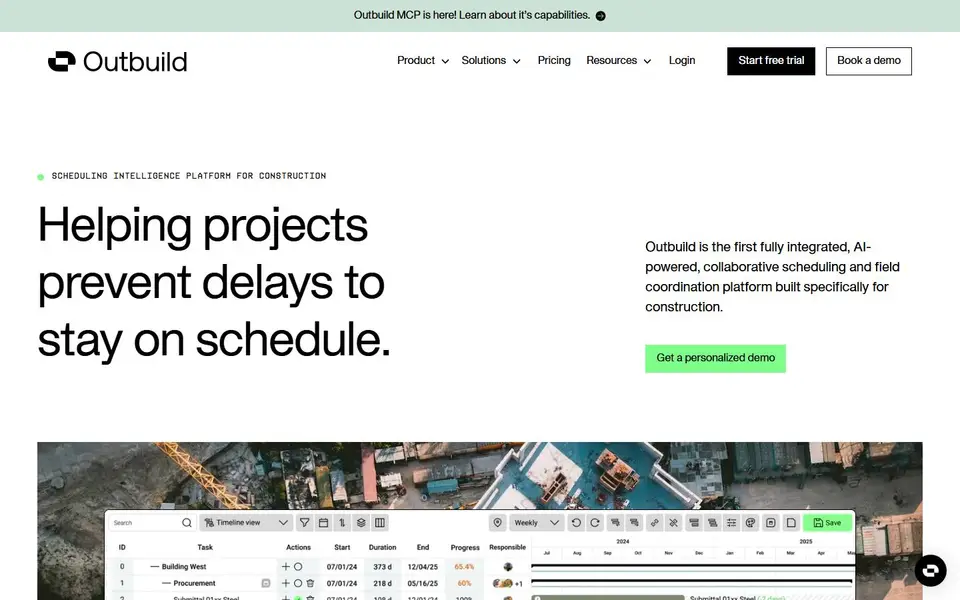
Outbuild keeps the master schedule and the field coordination in one cloud tool, with an iPad and iPhone app and an offline mode. You can bring in an existing schedule from MS Project or P6 and send it back out as PDF, XML or XER, so an owner who wants P6 files still gets them. It connects to Procore, Autodesk and Trimble ProjectSight.

The AI comes as a set of agents. Outbuild says they answer schedule questions and find risk and impact without digging through reports, and its pricing page also lists a health agent, a co-builder and a schedule generator without saying what they do. On November 10, 2026 it added Outbuild MCP, which connects Claude, ChatGPT and Copilot to Outbuild. Price follows your annual construction volume, and the pricing page doesn't say how volume maps to dollars, so a bigger year can mean a bigger bill.

Good
  • Unlimited users and projects on every plan
  • Imports P6 and MS Project, exports XER
  • Published starting price, rare in this category
Watch for
  • Price tied to construction volume, formula not published
  • Most AI agents are named but not described
Outbuild website
02

Primavera P6

Schedulers whose owners and specs run on P6 XER files

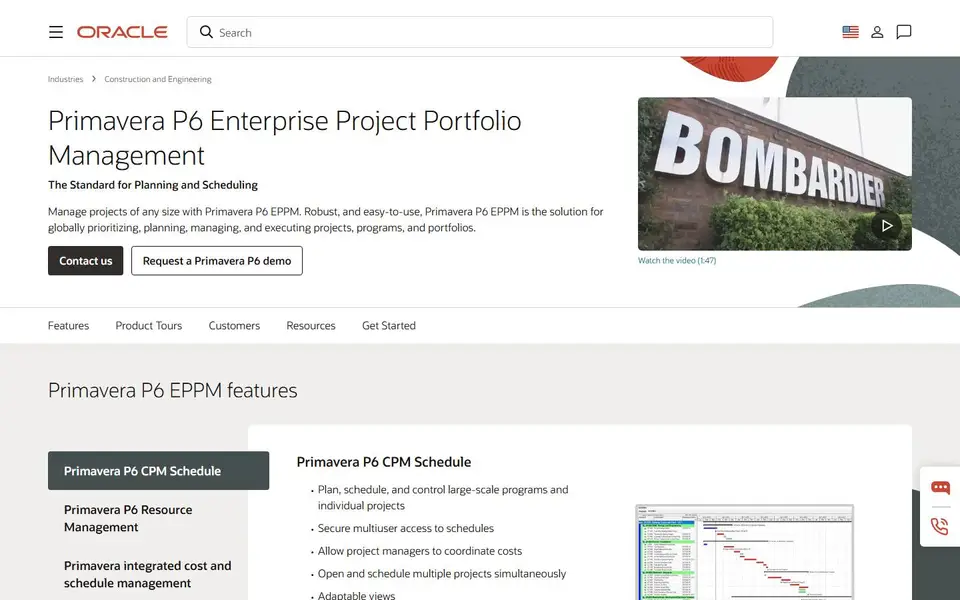
Primavera P6 EPPM is Oracle's enterprise tool for planning and controlling projects, programs and whole portfolios, with secure multiuser access to the same schedules. Its XER file is the format the rest of this list is built to read: Outbuild imports P6, SmartPM analyzes .xer files, ALICE imports from P6, and nPlan exports to it. If your owners and schedule specs assume P6, that settles most of the decision.

The catch is everything around the scheduling engine. Oracle publishes no price, only a contact form and a demo request, and names no free trial. The P6 product page names no AI feature and no third-party integrations. Oracle also sells Oracle Primavera Cloud, which it describes as planning, scheduling, and resource and risk management together, so ask your rep which of the two they're quoting before you compare numbers.

Good
  • The file format the rest of the market reads
  • Built for programs and portfolios as well as single jobs
Watch for
  • No public price or free trial
  • No AI feature named on the product page
Primavera P6 website
03

Microsoft Project

Small scheduling teams already paying for Microsoft 365

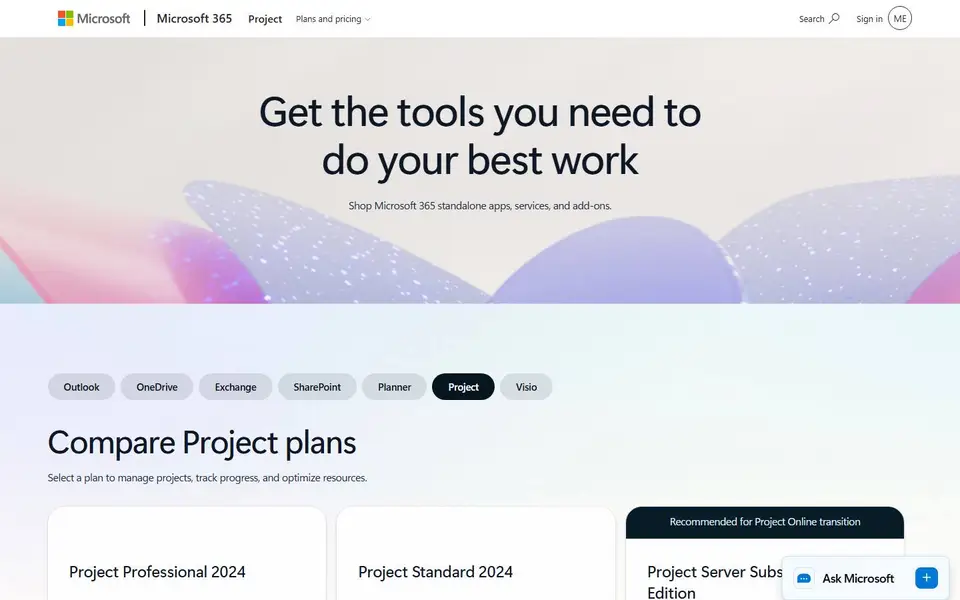
Microsoft now sells Project mostly through Planner. Planner Plan 1 gets you a timeline view; baselines, critical path, lead and lag dependencies and the Project desktop app start at Planner and Project Plan 3. If you'd rather own it outright, Project Standard 2024 and Project Professional 2024 are one-time purchases. Copilot in Planner drafts plans and status reports, and it's a separate $30 per user per month add-on. Nothing in Project is built for construction.

Two dates change what you can buy. Microsoft retired Project Online, the cloud service, on September 30, 2026, and says Project desktop isn't affected. A copy of Microsoft message MC1253809 posted on a third-party site says Project Plan 5 and Project Online Essentials reached end of sale on May 1, 2026, and Plan 5 no longer appears on Microsoft's pricing page. If your schedules lived in Project Online, they need a new home now.

Good
  • Critical path and baselines at $30 per user a month
  • Project desktop app included on Plan 3
  • One-time purchase editions still sold
Watch for
  • No construction-specific features
  • Project Online retired; Plan 5 is off sale
Microsoft Project website
04

Touchplan

Lean teams running Big Room pull planning with the trades

Touchplan is a cloud planning tool for the people who plan the work together: the GC, the trades, designers and owners all coordinate the work, track progress and flag risks before they reach cost and schedule. MOCA Systems sells it as custom project packages, and each one includes unlimited users, mobile access, full training and a customer success team, which matters when foremen from a dozen subs need logins. Its security page lists ISO 27001:2022 and SOC 2 Type 2.

The one AI feature is BoardScan, generally available since May 5, 2026 and free to all Touchplan users. You photograph the sticky-note board from a Big Room session and BoardScan turns it into digital Touchplan tickets, so nobody has to type the wall in by hand afterward. Touchplan's pages don't publish a price or name integrations with P6, Microsoft Project or Procore, so ask how the pull plan ties back to your master schedule.

Good
  • Unlimited users in each package
  • BoardScan included at no extra cost
  • ISO 27001 and SOC 2 Type 2
Watch for
  • Quote per project, no public price
  • No integrations named on its site
05

SmartPM

Ops leads checking schedule health across a portfolio

SmartPM doesn't build schedules. You drop in the native files your schedulers already make (.xer, .xml, .mpp, .ppx or .pp) and it scores schedule health, compares revisions, and runs delay analysis and predictive analytics with executive views across the portfolio. Results can flow to Procore, Autodesk, Power BI or Domo. SmartPM's own pages don't call any of this AI.

It also has the clearest pricing in the category. Essentials is $12K a year for up to 50 projects, with automated health checks and revision compares. Controls costs $25K a year for 5 project slots to start and adds what-if scenarios, time impact analysis and portfolio insights. Both include unlimited users, and SmartPM offers a 60-day risk-free trial. You still need P6, Project or Asta underneath, because SmartPM only reports on schedules someone else built.

Good
  • Published annual prices for both plans
  • Reads P6, Project, Asta and Phoenix files
  • Unlimited users and a 60-day trial
Watch for
  • Analyzes schedules but doesn't build them
  • Priced for a portfolio, steep for one job
06

Asta Powerproject

CPM schedulers who want 4D BIM and a free trial first

Asta Powerproject is a CPM scheduler from Eleco with 4D BIM, resource management and a mobile app. It runs on Windows desktop, and the SaaS version adds Mac and cloud access. Licences come as single user, concurrent server or SaaS subscription, and the concurrent option suits an office where a few schedulers share seats. Eleco names Hensel Phelps and Mortenson among its users, and you can download a 14-day free trial.

Eleco advertises AstaGPT for instant help, but its pages don't say what the assistant does or what data it reads, so treat it as unknown until a demo shows you. No price is published, and the pages don't name integrations with Procore, Primavera or accounting tools. SmartPM does read Asta's .pp files if you want analytics on top.

Good
  • 14-day free trial download
  • Concurrent licences for shared seats
  • 4D BIM and resource management built in
Watch for
  • No public price
  • AstaGPT is named but not described
  • No Procore or Primavera integration named
07

nPlan

Schedule risk forecasts and AI-drafted schedules on new work

nPlan does two jobs. Its forecasting puts an uncertainty range on each activity in your schedule, from a model nPlan says it trained on 750,000 historical schedules. Schedule Studio generates logic-linked schedules from a scope or brief and exports them to P6, and it now includes the old Schedule Integrity Checker. Schedule Studio also connects to Claude and ChatGPT, where you can ask about a schedule, make edits, run health checks and export an updated XER.

That makes nPlan the one to call when the question is how likely you are to hit a milestone, or when you want a first draft of a schedule for a pursuit instead of a blank P6 file. nPlan's site shows no prices and no security certifications, and editing by prompt is still in beta. A generated schedule is a starting point for your scheduler to check, so budget the review time.

Good
  • Risk forecast for each activity
  • Generates logic-linked schedules that export to P6
  • Works from Claude or ChatGPT
Watch for
  • No public price
  • No security certifications on its site
  • Prompt editing still in beta
08

ALICE

Testing build sequences on jobs of $75M and up

ALICE starts from a schedule you already have. You import it from Microsoft Project, P6 or Primavera Cloud, or start from a BIM model, and ALICE simulates many build sequences to find faster or cheaper ones. Targeted Optimization shows where the schedule can be pulled in and by how much, a schedule score points at what to fix, and a Schedule Insights Agent lets you chat with the loaded schedule. ALICE Analyze, Model and FieldPlan cover risk, baseline checks and field plans built from drawings.

It's priced and built for big work. ALICE says customers generally use it on projects of at least $75M in construction value, pricing is a tailored quote after a consultation call, and no free trial is stated. Unlimited users are included, and the platform is SOC 2 Type II and Cyber Essentials Plus. ALICE publishes savings figures without the method behind them, so ask for a reference project you can call.

Good
  • Tests many sequences against your real schedule
  • Imports P6, Project and Primavera Cloud
  • Unlimited users, SOC 2 Type II
Watch for
  • Aimed at projects of $75M and up
  • Quote after a consultation, no trial

Side by side

ToolPlan shownList priceAITrial or free planHow it's priced
OutbuildCore$999 per month, billed yearly1AI does the jobFree trial offered; length not statedPriced by annual construction volume; unlimited users and projects.
Primavera P6Quote onlyNot publishedNo AINot statedQuote only; contact Oracle or request a demo
Microsoft ProjectPlanner and Project Plan 3$30 per user / month, billed yearly2AI assistsPlanner Plan 1: one month free; Planner…Planner plans per user per month, paid yearly; Project 2024 desktop is a one-time purchase.
TouchplanQuote onlyNot publishedAI assistsHome page offers a free trial; length…Quote only; custom quotes for each customer.
SmartPMEssentials$12,000 per year, billed yearly3AI assists60-day risk-free trialAnnual subscription. Essentials covers up to 50 projects; Controls starts with 5 project slots.
Asta PowerprojectQuote onlyNot publishedAI assists14 daysQuote only; single user, concurrent server and SaaS cloud subscription licences
nPlanQuote onlyNot publishedAI does the jobNot statedNot published; demo on request
ALICEQuote onlyNot publishedAI does the jobNot statedCustom quote after a consultation, based on company and project size

How to choose construction scheduling software

Start with the job, because these tools split three ways: building and updating the CPM schedule, running the weekly plan with the trades, and using AI to generate a schedule or forecast whether the current one will hold. Most GCs on large work end up with one tool from the first group and maybe one from another.

After the job, check two things. The first is file format. P6’s XER and Microsoft Project’s MPP are what the other tools read, so anything you buy should import one or both and, if your owner wants P6 files, export XER. The second is how the bill grows. Microsoft charges per user. Outbuild charges by annual construction volume, Touchplan per project package, SmartPM by number of projects, and the rest quote after a call. Outside Microsoft, unlimited users is common, and that matters more here than in most categories, because a lookahead only works if the supers and trade foremen can log in and update it.

CPM tools: P6, Microsoft Project and Asta

Pick a CPM tool for the baseline, the monthly updates and the delay arguments, since none of the AI tools here replaces it. Primavera P6 is the safe choice when owners, public agencies or your own schedule specs assume XER files. Microsoft Project costs far less to put on a few desks and covers critical path from Plan 3, but nothing in it is built for construction, and if you were on Project Online you’ve already had to move, since Microsoft retired it on September 30, 2026. Asta Powerproject sits between them, with 4D BIM, concurrent licences and a free trial you can download today.

AI is thin in this group. Oracle’s P6 page names no AI feature, Asta’s AstaGPT is advertised without a description, and Microsoft’s Copilot drafts plans and status reports as a paid add-on.

Pull planning and lookahead: Touchplan and Outbuild

Use one of these when the foremen from each trade build the weekly plan with you. Touchplan is built for the Big Room session, and BoardScan turns a photo of the sticky-note wall into digital tickets. Outbuild ties the CPM schedule to field coordination in one place, imports your existing P6 or Project file, and adds AI agents for schedule questions and health checks. If you want one tool for the master schedule and the field, start with Outbuild. If your lean team already pull plans on a wall and the master schedule lives in P6, Touchplan fits in beside it.

AI that generates schedules or forecasts schedule risk

This group answers questions a CPM tool can’t. nPlan forecasts the uncertainty on each activity and can generate a first-draft schedule from a scope. ALICE takes your existing schedule and simulates alternate sequences to find a faster or cheaper build, and says it’s generally used on projects of at least $75M. SmartPM builds nothing but scores schedule health, compares revisions and runs delay analysis across a portfolio, without calling it AI.

All three sit on top of your P6, Project or Asta file. Ask each vendor to run one of your real schedules in the demo, because a clean sample file shows you nothing about how it handles your logic.

Which tool fits your team?

  • A sub or small GC with one scheduler: Microsoft Project on Plan 3, or Asta if you want 4D and a trial first.
  • A mid-size GC that wants one cloud tool for the office and the field: Outbuild, and check that its XER export satisfies your owners.
  • A GC on public or owner-specified work: P6 for the contract schedule, with Touchplan or Outbuild for the lookahead.
  • An ops or executive team watching many jobs: SmartPM on top of whatever your schedulers use.
  • A pursuit or megaproject team: nPlan for risk forecasts and draft schedules, ALICE for sequencing on very large jobs.

If you’re choosing the platform your schedule has to connect to, see the construction management software guide.

Questions buyers ask

Does Microsoft have a construction scheduling tool?

Microsoft Project does CPM scheduling, but it's general project software with nothing built for construction. Critical path, baselines and the desktop app come with Planner and Project Plan 3 at $30 per user per month billed yearly, or you can buy Project Standard 2024 or Project Professional 2024 once. Project Online retired on September 30, 2026, so it's no longer an option.

Can AI build a construction schedule?

It can build a draft. nPlan's Schedule Studio generates logic-linked schedules from a scope or brief and exports them to P6, and Outbuild lists a Schedule Generator Agent without describing it. ALICE works the other way, taking your existing schedule and simulating other build sequences. Either way your scheduler still has to check the logic and durations before anyone builds to it.

What is the most used construction scheduling software?

There's no neutral count, but the file formats tell you a lot. Outbuild imports P6 and Microsoft Project, SmartPM reads .xer and .mpp files, and ALICE imports from both, so P6 and Project are the formats the newer tools are built around. Oracle calls P6 the standard for planning and scheduling, which is its own claim.

How much does construction scheduling software cost?

Microsoft Project with critical path is $30 per user per month on an annual plan. Outbuild starts at $999 a month billed annually with unlimited users, and SmartPM's schedule analytics is $12K a year for up to 50 projects. Primavera P6, Asta Powerproject, Touchplan, ALICE and nPlan publish no prices.

Is there free construction scheduling software?

None of these tools has a free plan. Asta Powerproject offers a 14-day free trial, SmartPM a 60-day risk-free trial, and Microsoft gives one month free on Planner Plan 1, which has a timeline view but no critical path. Outbuild and Touchplan offer free trials without saying how long they last.

Sources

Each number in the text links here. We read every page on the date shown next to the figure.

  1. outbuild.com/pricing
  2. microsoft.com/en-us/microsoft-365/planner/microsoft-planner-plans-and-pricing
  3. smartpm.com/pricing