How to choose construction estimating software
Choose by how you price work first, then by what the tool has to connect to. The commercial estimators, Sage Estimating and DESTINI, start from a cost database and assemblies and add a bid-day screen for leveling sub numbers. HeavyBid starts from your own crews, equipment and production rates, which is how civil work gets priced. Buildxact and Clear Estimates start from a priced item list and end with a proposal the homeowner signs.
A few differences matter more than the feature lists suggest:
- Where the costs come from. Sage works with RSMeans, Clear Estimates prices its Part Library by local area, and HeavyBid builds on your past estimates. On public work the labor rates come from the wage determination, which you can look up on Prevailing Wage Hub.
- Whether takeoff is included. STACK, Buildxact, Procore and Sage all measure plans in the same product. With a separate takeoff tool, check how quantities export into the estimator, and check again after either one updates.
- How it’s priced. STACK charges per user per month. Buildxact is a flat company price with unlimited users, Clear Estimates is per account with paid extra logins, Procore goes by annual construction volume, and Sage, DESTINI, HeavyBid and ProEst are quote only.
- The accounting link. Your estimate turns into the job budget, so the cost codes have to land somewhere. Sage Estimating connects to Sage’s own construction accounting, STACK to QuickBooks Online and Sage Intacct, and Buildxact to QuickBooks Online and Xero.
Electrical and mechanical subs usually do better with a trade estimator: Accubid, McCormick and Conest for electrical, QuoteSoft for HVAC and piping, and The EDGE for drywall, concrete, roofing and other finish and envelope trades.
Which estimating software fits your team?
Match the tool to the work you bid most often.
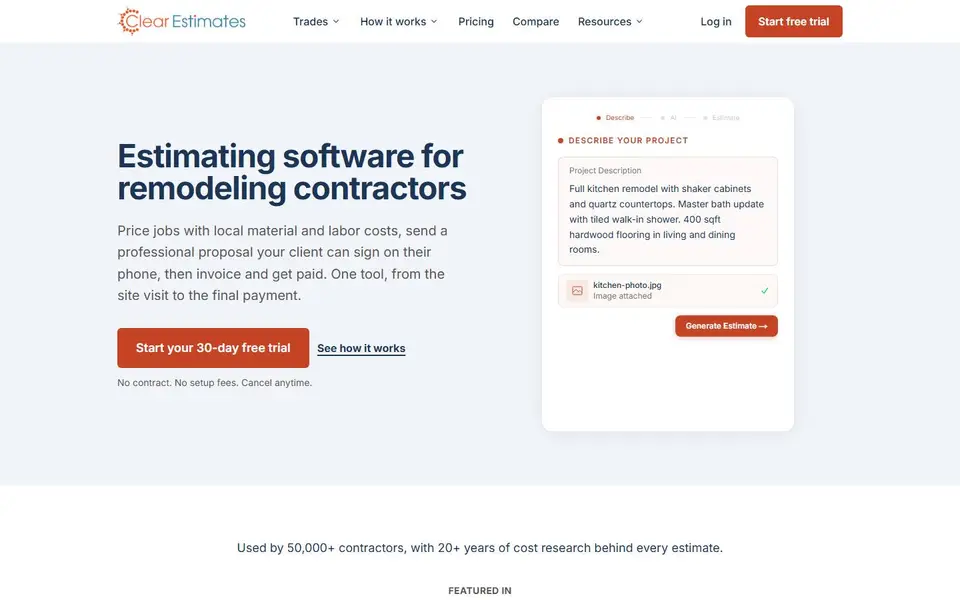
- Remodelers doing kitchens, baths and additions: Clear Estimates if you price from a parts list and want the client to sign on a phone. Buildxact if you also want schedules, purchase orders and a crew app.
- Custom and production home builders: Buildxact for estimating, or a full builder platform from the home builder software guide.
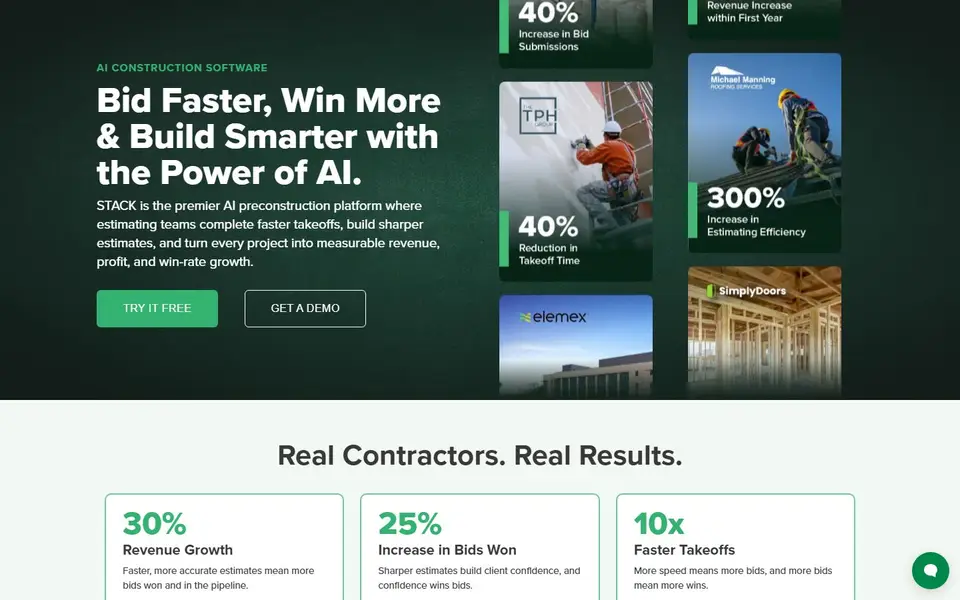
- A trade sub or small GC bidding commercial work: STACK, because it’s one tool for takeoff, pricing and the proposal, and you can see a price before you call anyone.
- A mid-size or large GC estimating department: Sage Estimating if you run Sage accounting, Procore Preconstruction if your projects already live in Procore, and DESTINI if you want estimate, takeoff and bid day in one cloud workspace. For sending invites and collecting sub bids, see the bidding software guide.
- Heavy civil, site work and DOT: HeavyBid.
- Autodesk shops: ask for ProEst inside the Forma for Preconstruction bundle, which also includes BuildingConnected Pro.
Where the AI is, and which plan it’s on
Estimating vendors use “AI” for three different jobs, and the plan you need depends on which one you’re after.
- Counting and measuring. STACK auto-counts symbols and suggests missed scope, Procore detects floor plan areas and counts repeated symbols, and DESTINI detects, measures and labels drawing objects. You still check the quantities before they go into the estimate.
- Drafting the estimate. Clear Estimates drafts from a typed job description on every plan, and from photos and plans on Pro. Buildxact’s Estimate Generator comes standard on Pro and costs extra on Foundation. HCSS’s Estimate Builder Agent drafts a first-pass heavy civil bid from your past HeavyBid estimates, and it’s still in beta.
- Checking bids. Sage Ai flags outlier sub bids and compares them with your history, and Buildxact’s Estimate Reviewer (standard on Master) flags items you missed before the quote goes out.
The data question is mostly unanswered. HCSS says your data stays isolated to your company, and none of the other pages we read say whether customer estimates are used to train their models. Ask for that in writing before you upload years of bid history.
Before you sign
Get the contract terms along with the quote, because the pricing pages leave most of them out. STACK lists its prices as “as low as” without a billing term, Buildxact’s annual discount needs a 12-month commitment, and Procore’s upfront annual fee follows your construction volume, so ask how it changes at renewal if you grow. With the quote-only tools, ask for the price per estimator, what the AI features cost, the renewal cap, and whether you can export your cost database and past estimates if you leave.
 STACK